Gradient Generator Guide: Complete CSS Design Tutorial 2025
Master gradient design for stunning web interfaces. Learn CSS linear and radial gradients, color theory fundamentals, modern design techniques, and best practices for creating beautiful, high-performance gradients.
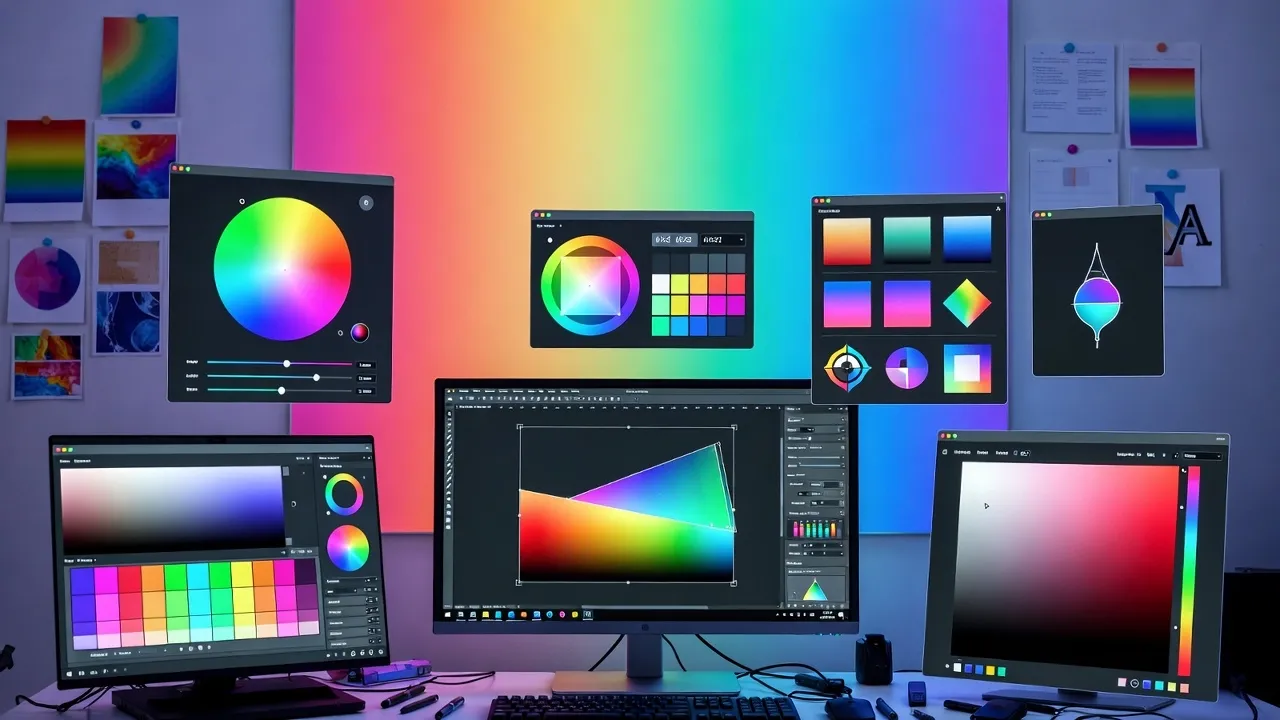
Understanding CSS Gradients in Modern Web Design
CSS gradients have revolutionized web design by enabling smooth color transitions without image files. They provide infinite scalability, instant customization, and superior performance compared to traditional gradient images. Modern design trends heavily feature gradients in backgrounds, buttons, cards, and UI elements.
Our Gradient Generator provides real-time preview and instant CSS code generation for both linear and radial gradients with unlimited color stops.
Types of CSS Gradients Explained
CSS supports three main gradient types, each with unique applications:
1. Linear Gradients
- Definition: Color transitions along a straight line
- Directions: Top-to-bottom, left-to-right, diagonal angles
- Use Cases: Backgrounds, headers, buttons, cards
- Syntax: linear-gradient(direction, color-stop1, color-stop2, ...)
- Popular Angles: 0deg (bottom-up), 90deg (left-to-right), 180deg (top-down), 45deg (diagonal)
2. Radial Gradients
- Definition: Color transitions from center point outward
- Shapes: Circle or ellipse
- Use Cases: Spotlight effects, orbs, focal points
- Syntax: radial-gradient(shape size at position, color-stops)
3. Conic Gradients
Conic Gradients
Transitions rotate around a center point like a pie chart. Perfect for creating color wheels, pie charts, loading spinners, and angular progress indicators.
Color Theory for Beautiful Gradients
Effective gradient design requires understanding color relationships and harmony:
Color Combination Strategies
Proven Color Formulas:
- Monochromatic: Different shades of same hue (safe, elegant)
- Analogous: Adjacent colors on color wheel (harmonious, natural)
- Complementary: Opposite colors (high contrast, vibrant)
- Triadic: Three evenly spaced colors (balanced, energetic)
- Warm to Cool: Sunset gradients, fire to ice transitions
- Pastel Blends: Soft, muted tones for subtle backgrounds
Pro Tip: Use our Color Picker to select harmonious color combinations and get exact HEX, RGB values for gradients.
Creating Effective Gradient Designs
Follow these principles for professional-quality gradients:
Gradient Design Best Practices
- Limit Color Stops: 2-3 colors work best; avoid rainbow effects
- Smooth Transitions: Position color stops for natural blending
- Contrast Awareness: Ensure text readability over gradients
- Direction Matters: Diagonal gradients (45deg) feel dynamic
- Subtlety First: Gentle gradients often outperform bold ones
- Brand Consistency: Use brand colors in gradient palettes
- Mobile Testing: Verify gradients render well on all devices
Popular Gradient Styles and Trends
Stay current with these trending gradient techniques:
Modern Gradient Trends 2025
Trending Styles:
- Glassmorphism: Soft gradients with blur effects and transparency
- Mesh Gradients: Complex multi-directional color blends
- Neon Gradients: Bright, saturated colors for vibrant effects
- Duotone Effects: Two-color overlays on images
- Holographic: Iridescent, rainbow-inspired gradients
- Aurora/Northern Lights: Flowing, organic color transitions
- Minimalist Pastels: Soft, barely-there gradients
CSS Gradient Code Examples
Learn from these practical gradient implementations:
Linear Gradient Examples
Common Linear Patterns:
- Top to Bottom: linear-gradient(to bottom, #667eea, #764ba2)
- Diagonal: linear-gradient(135deg, #667eea, #764ba2)
- Three Colors: linear-gradient(to right, #fa709a, #fee140, #30cfd0)
- Color Stops: linear-gradient(to right, #f12711 0%, #f5af19 100%)
Radial Gradient Examples
- Circle: radial-gradient(circle, #667eea, #764ba2)
- Ellipse: radial-gradient(ellipse at top left, #f12711, #f5af19)
- Positioned: radial-gradient(circle at 30% 40%, #667eea, #764ba2)
Gradient Performance Optimization
Ensure gradients don't slow down your website:
Performance Tips:
- Use CSS Over Images: Always prefer CSS gradients to image files
- Limit Complexity: Fewer color stops = better performance
- Avoid Animations: Animating gradients is CPU-intensive
- Fixed Backgrounds: Use background-attachment: fixed sparingly
- Hardware Acceleration: Apply transform: translateZ(0) if needed
- Test on Mobile: Check render performance on low-end devices
Gradient Accessibility Considerations
Design inclusive gradients that work for all users:
Accessibility Best Practices
Ensuring Readability:
- Maintain 4.5:1 contrast ratio for text over gradients
- Use text shadows for improved legibility when needed
- Test with color blindness simulators
- Avoid relying solely on color to convey information
- Provide sufficient contrast for interactive elements
- Test gradients in grayscale mode
Explore our color picker guide for detailed contrast ratio information.
Advanced Gradient Techniques
Take gradient design to the next level with advanced methods:
Layering Multiple Gradients
Combine multiple gradient layers for complex effects. Stack linear and radial gradients using background-image with comma-separated values. Control opacity with rgba() colors for blending.
Gradient Text Effects
Apply gradients to text using background-clip: text and -webkit-background-clip: text. Creates eye-catching headlines and CTAs. Works best with large, bold typography.
Animated Gradients
Use CSS keyframes to animate gradient positions or color stops. Create moving backgrounds and loading effects. Optimize with transform and will-change properties.
Tools and Resources for Gradient Design
Enhance your workflow with these gradient resources:
Helpful Tools:
- CSS gradient generators for instant code
- Gradient libraries and preset collections
- Color palette generators for harmony
- Browser DevTools for live editing
- Design systems with gradient guidelines
- Gradient inspiration galleries
Combine with our Font Pairing Tool for complete design harmony.
Frequently Asked Questions
Table of Contents
Popular Design Tools
Learn More About Gradient Design
A free online gradient generator tool designed for web designers and developers who need beautiful CSS gradients with instant code generation.
This tool is designed to be simple, fast, and effective. Whether you're designing backgrounds, buttons, or brand elements, our Gradient Generator is here to help. We continuously update our tools to ensure accuracy and better user experience.
Related Design Tools
Hex to RGB Converter
Convert hexadecimal color codes to RGB format instantly.
Image Compressor
Compress images to reduce file size while maintaining quality.
CSS Minifier
Minify CSS code to reduce file size and improve load times.
Developer Tools
Browse all developer and design tools for web development.