Hex to RGB Color Converter Guide: Complete Web Design & Development Tutorial 2025
Master color conversion and management for professional web design and development. Learn color theory fundamentals, CSS format optimization, accessibility standards, and workflows that create visually stunning, accessible digital experiences.
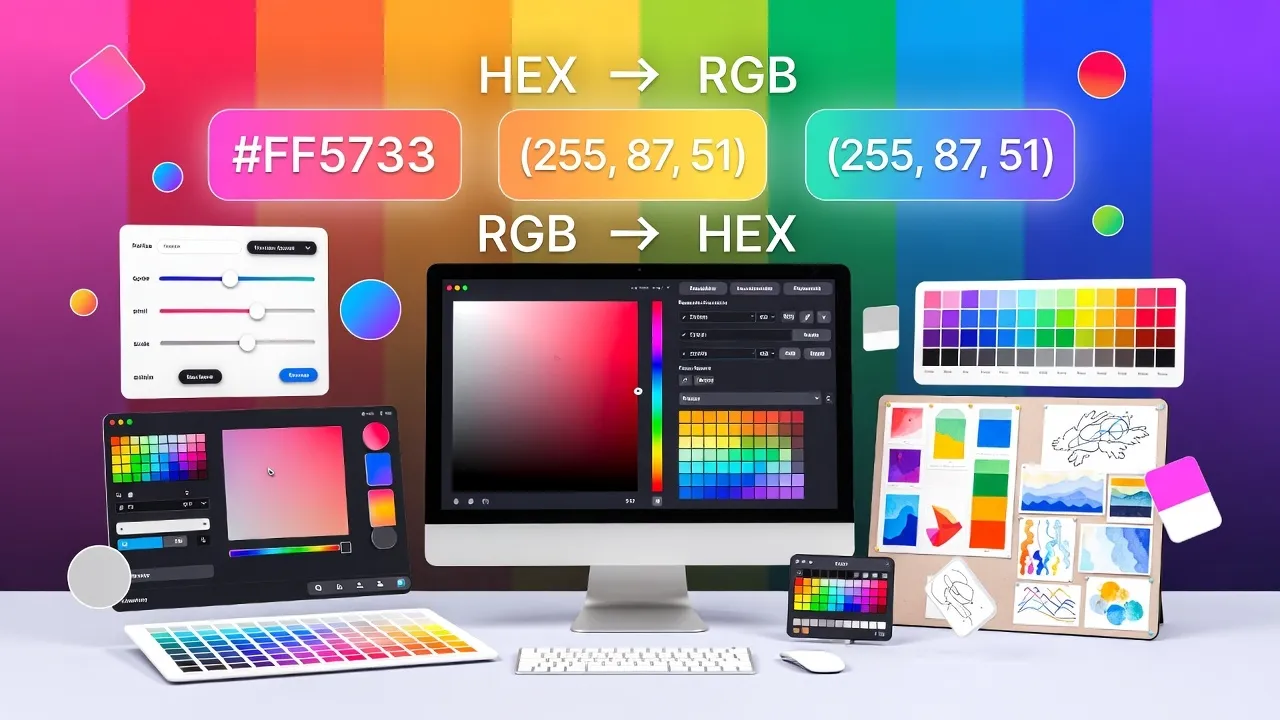
Understanding Color Formats in Web Design
Color representation in digital design involves multiple formats, each serving specific purposes in web development and design workflows. Hexadecimal (hex) and RGB formats are fundamental color notations that every web designer and developer must understand for creating consistent, professional visual experiences across devices and browsers.
Our Hex to RGB Converter simplifies color format conversion while providing comprehensive color information for professional design and development workflows.
Comprehensive Color Format Breakdown
Understanding the technical foundation of color formats enables more effective design decisions and development implementation:
Hexadecimal Color System
Hex Color Structure:
- 6-Digit Format: #RRGGBB (Red, Green, Blue channels)
- 3-Digit Shorthand: #RGB (each digit doubled automatically)
- 8-Digit with Alpha: #RRGGBBAA (includes transparency)
- Range per Channel: 00 (minimum) to FF (maximum intensity)
- Total Colors: 16.7 million possible combinations
RGB Color System
RGB format uses decimal values from 0-255 for each color channel, making it intuitive for mathematical color calculations and dynamic color generation in programming contexts.
Hex Example
#3498DB
Compact, URL-friendly, widely supported in CSS
RGB Equivalent
rgb(52, 152, 219)
Human-readable numbers, easier for calculations
Format Selection Strategy
Use hex for static CSS colors due to brevity. Use RGB for JavaScript color manipulation, gradients with alpha transparency, and when performing color calculations or animations.
Color Theory Applications in Web Design
Effective color conversion requires understanding color theory principles that create harmonious, purposeful design systems:
Color Harmony and Palette Creation
Professional Color Relationships:
- Monochromatic: Variations of a single hue using different saturation/brightness
- Complementary: Colors opposite on the color wheel for high contrast
- Triadic: Three colors evenly spaced on the wheel for vibrant balance
- Analogous: Adjacent colors for harmonious, calming effects
- Split-Complementary: Base color plus two adjacent to its complement
Brand Color Management
Professional brand implementation requires precise color reproduction across all touchpoints. Document primary, secondary, and accent colors in multiple formats while maintaining consistent application guidelines.
Psychological Color Impact
Colors evoke emotional responses and influence user behavior. Blue conveys trust and professionalism, red creates urgency and excitement, green suggests growth and tranquility, while orange encourages action and enthusiasm.
CSS Color Implementation and Best Practices
Professional CSS color management involves strategic format selection and implementation patterns that optimize performance and maintainability:
CSS Custom Properties for Color Systems
Color Variable System Example:
:root {
  --primary-color: #3498db;
  --primary-rgb: 52, 152, 219;
  --primary-hover: #2980b9;
  --primary-light: rgba(52, 152, 219, 0.1);
  --primary-shadow: rgba(52, 152, 219, 0.3);
}

.button {
  background-color: var(--primary-color);
  box-shadow: 0 4px 8px var(--primary-shadow);
}

.button:hover {
  background-color: var(--primary-hover);
}
Dynamic Color Applications
CSS calc() functions, color-mix(), and relative color syntax enable dynamic color variations while maintaining design consistency. These features reduce manual color calculations and create more maintainable stylesheets.
Performance Considerations
Color Performance Optimization:
- Use Hex for Static Colors: Smaller file size and faster parsing
- Minimize Color Variations: Reduce CSS file size with color variables
- Leverage Browser Caching: Consistent color values improve cache efficiency
- Avoid Inline Styles: Centralize color management in CSS files
- Optimize Color Gradients: Use efficient CSS gradient syntax
Accessibility and Inclusive Color Design
Professional web design prioritizes accessibility through careful color selection and contrast management that serves all users effectively:
WCAG Color Contrast Standards
Accessibility Requirements:
- Normal Text (AA): 4.5:1 contrast ratio minimum
- Large Text (AA): 3:1 contrast ratio minimum
- UI Components (AA): 3:1 contrast ratio for interactive elements
- Enhanced (AAA): 7:1 for normal text, 4.5:1 for large text
- Non-text Elements: 3:1 for graphics and meaningful visual elements
Color-Blind Considerations
Design for the 8% of men and 0.5% of women with color vision deficiencies by using sufficient contrast, avoiding color-only communication, and testing designs with colorblind simulation tools.
Inclusive Design Principle
Never rely solely on color to convey important information. Always provide alternative indicators like icons, text labels, patterns, or positioning to ensure accessibility for all users.
Advanced Color Manipulation and Calculations
Professional design workflows often require programmatic color manipulation for dynamic interfaces and responsive design systems:
JavaScript Color Operations
Color Conversion Functions:
function hexToRgb(hex) {
  const r = parseInt(hex.slice(1, 3), 16);
  const g = parseInt(hex.slice(3, 5), 16);
  const b = parseInt(hex.slice(5, 7), 16);
  return { r, g, b };
}

function rgbToHex(r, g, b) {
  return "#" + ((1 << 24) + (r << 16) + (g << 8) + b)
    .toString(16).slice(1);
}

function adjustBrightness(color, amount) {
  const { r, g, b } = hexToRgb(color);
  return rgbToHex(
    Math.min(255, Math.max(0, r + amount)),
    Math.min(255, Math.max(0, g + amount)),
    Math.min(255, Math.max(0, b + amount))
  );
}
Color Space Considerations
Modern displays support extended color gamuts like P3 and Rec2020, offering more vibrant colors than standard sRGB. Understanding color space limitations and browser support ensures consistent color reproduction.
Dynamic Theme Implementation
Use CSS custom properties and JavaScript to create dynamic color themes that respond to user preferences, time of day, or content context while maintaining accessibility standards and performance.
Design Tool Integration and Workflow Optimization
Professional design workflows integrate color conversion seamlessly across design tools, development environments, and collaboration platforms:
Design Tool Color Sync
Modern design tools like Figma, Sketch, and Adobe XD support multiple color formats and can export consistent color tokens for development handoff. Establish color naming conventions that work across design and development teams.
Version Control for Design Systems
Color System Management:
- Token-Based Colors: Use design tokens for consistent color definitions
- Semantic Naming: Name colors by purpose, not appearance
- Documentation: Maintain usage guidelines and accessibility notes
- Testing Procedures: Automated accessibility testing in CI/CD pipelines
- Cross-Platform Sync: Ensure consistency between web, mobile, and print
Collaborative Color Management
Establish clear communication protocols between designers and developers for color specifications, including acceptable tolerance ranges, fallback colors, and documentation of color decisions and rationale.
Enhance your design workflow with complementary tools: Color Picker Tool for palette creation, Image Converter for asset optimization, and QR Code Generator for brand integration.
Color Testing and Quality Assurance
Professional color implementation requires systematic testing across devices, browsers, and accessibility scenarios:
Cross-Browser Color Consistency
Different browsers may render colors slightly differently due to color management implementations. Test critical colors across major browsers and devices to ensure acceptable consistency for brand presentation.
Automated Accessibility Testing
Testing Workflow Integration:
- Contrast Ratio Validation: Automated tools in build process
- Color-Blind Simulation: Test with various color vision types
- High Contrast Mode: Ensure compatibility with system preferences
- Dark Mode Testing: Verify color adaptation in dark themes
- Print Color Testing: Validate color reproduction in print contexts
Professional Excellence
Master color conversion and management to create visually consistent, accessible, and technically optimized digital experiences that serve all users while reinforcing brand identity effectively.
Frequently Asked Questions
Table of Contents
Quick Tips
- Use hex for static CSS colors, RGB for dynamic applications
- Maintain 4.5:1 contrast ratio for accessible text
- Test colors across different devices and browsers
- Use CSS custom properties for maintainable color systems
- Document color usage guidelines for team consistency
- Consider colorblind users in palette selection