JSON Validator Guide: Complete Tutorial for Developers 2025
Master JSON validation with our comprehensive guide. Learn to validate, format, debug JSON errors, and implement best practices for reliable data interchange in your applications.
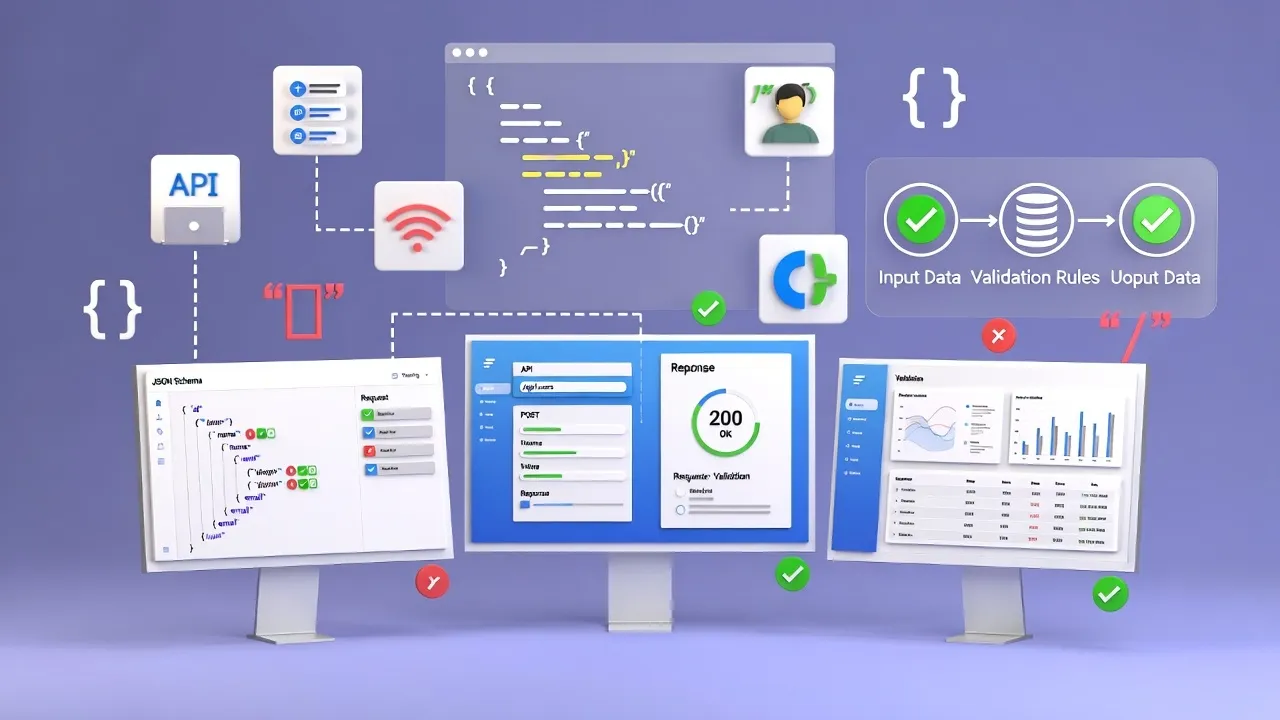
Understanding JSON Validation in Modern Development
JSON (JavaScript Object Notation) has become the universal data format for APIs, configuration files, and data exchange between systems. A JSON validator is an essential tool that ensures your JSON data is syntactically correct and properly structured, preventing errors that could crash applications or corrupt data transfers.
Our JSON Validator provides real-time validation with detailed error reporting, helping you identify and fix JSON syntax issues instantly.
Common JSON Syntax Errors and How to Fix Them
Understanding common JSON errors helps you debug faster and write cleaner code:
Top JSON Syntax Errors:
- Missing Commas: Forgetting commas between object properties or array elements
- Trailing Commas: Extra comma after the last element (invalid in strict JSON)
- Unquoted Keys: Object keys must be wrapped in double quotes
- Single Quotes: JSON requires double quotes for strings, not single quotes
- Unclosed Brackets: Missing closing braces {} or brackets []
- Invalid Values: Using undefined, NaN, or Infinity (not valid in JSON)
- Comments: JSON doesn't support comments (use JSONC for that)
- Special Characters: Unescaped special characters in strings
Pro Tip: Use a JSON formatter alongside validation to improve readability and spot structural issues more easily.
JSON Validation Best Practices
Implement these best practices to ensure robust JSON handling in your applications:
1. Validate at Input Points
Always validate JSON data when receiving it from external sources like APIs, user uploads, or configuration files. Never trust external data without validation.
2. Use Schema Validation
Beyond syntax checking, implement JSON Schema validation to ensure data structure, types, and required fields match your expectations. This prevents logical errors that pass syntax validation.
3. Implement Error Handling
Error Handling Example
Wrap JSON parsing in try-catch blocks, provide meaningful error messages, log validation failures for debugging, and return appropriate HTTP status codes in API responses.
JSON Validation Tools and Methods
Choose the right validation approach based on your development environment:
Online JSON Validators
When to Use Online Tools:
- Quick validation during development and debugging
- Testing API responses without writing code
- Validating configuration files before deployment
- Sharing JSON with team members for review
- Learning JSON syntax and structure
Programmatic Validation
- JavaScript: JSON.parse() with try-catch, Ajv for schema validation
- Python: json module, jsonschema library
- PHP: json_decode() with JSON_THROW_ON_ERROR flag
- Java: Jackson or Gson libraries
- Go: encoding/json package
JSON Schema Validation Explained
JSON Schema provides a powerful way to validate data structure beyond basic syntax:
Schema Validation Benefits
What JSON Schema Validates:
- Data types (string, number, boolean, array, object)
- Required properties and optional fields
- String patterns using regex
- Number ranges (minimum, maximum)
- Array length constraints
- Enum values (allowed options)
- Nested object structures
- Custom validation rules
Popular JSON Schema validators include Ajv (JavaScript), jsonschema (Python), and json-schema-validator (Java).
Performance Considerations for JSON Validation
Optimize JSON validation performance in high-traffic applications:
Performance Tips:
- Cache Schema Validators: Compile schemas once and reuse them
- Streaming Parsers: Use streaming for large JSON files
- Lazy Validation: Validate only required fields first
- Async Validation: Don't block main thread for large datasets
- Size Limits: Enforce max file size before parsing
- Early Exit: Stop validation on first error for faster failures
Security Implications of JSON Validation
Proper JSON validation is crucial for application security:
Security Best Practices
- Prevent Injection Attacks: Validate and sanitize all JSON input
- Size Limits: Protect against DoS attacks with file size restrictions
- Depth Limits: Prevent stack overflow from deeply nested JSON
- Type Checking: Ensure values match expected types
- Whitelist Validation: Only allow expected properties
- Escape Output: Always escape JSON when rendering to HTML
Explore our developer tools guide for more security-focused development resources.
Debugging JSON with Validation Tools
Effective debugging strategies for JSON-related issues:
Debugging Workflow:
- Copy Error Output: Get the exact error message and line number
- Use Validator: Paste JSON into validator for syntax checking
- Check Line Numbers: Navigate to reported error location
- Look Before/After: Error might be on previous line
- Format First: Beautify JSON to see structure clearly
- Compare Examples: Match against working JSON samples
- Validate Schema: Ensure data structure matches requirements
Frequently Asked Questions
Table of Contents
Popular Tools
Learn More About JSON Validation
A free online JSON validator tool designed for developers who need reliable, fast JSON validation and error detection.
This tool is designed to be simple, fast, and effective. Whether you're debugging API responses, validating config files, or learning JSON, our JSON Validator is here to help. We continuously update our tools to ensure accuracy and better user experience.
Related Tools
JSON Formatter
Format, validate, and beautify JSON data with syntax highlighting.
XML Sitemap Validator
Validate your XML sitemap for errors and SEO compliance.
HTML Encoder Decoder
Encode special characters to HTML entities or decode HTML entities back to text.
Developer Tools
Browse all developer tools for coding, debugging, and optimization.