Image Metadata Explained 2026: EXIF, IPTC, XMP & Privacy
A complete 2026 guide to what lives inside an image file — EXIF, IPTC, XMP, GPS data, color profiles, and software history — and how to manage, view, or strip it for privacy and web performance. Pairs with the Image Optimization Guide pillar.
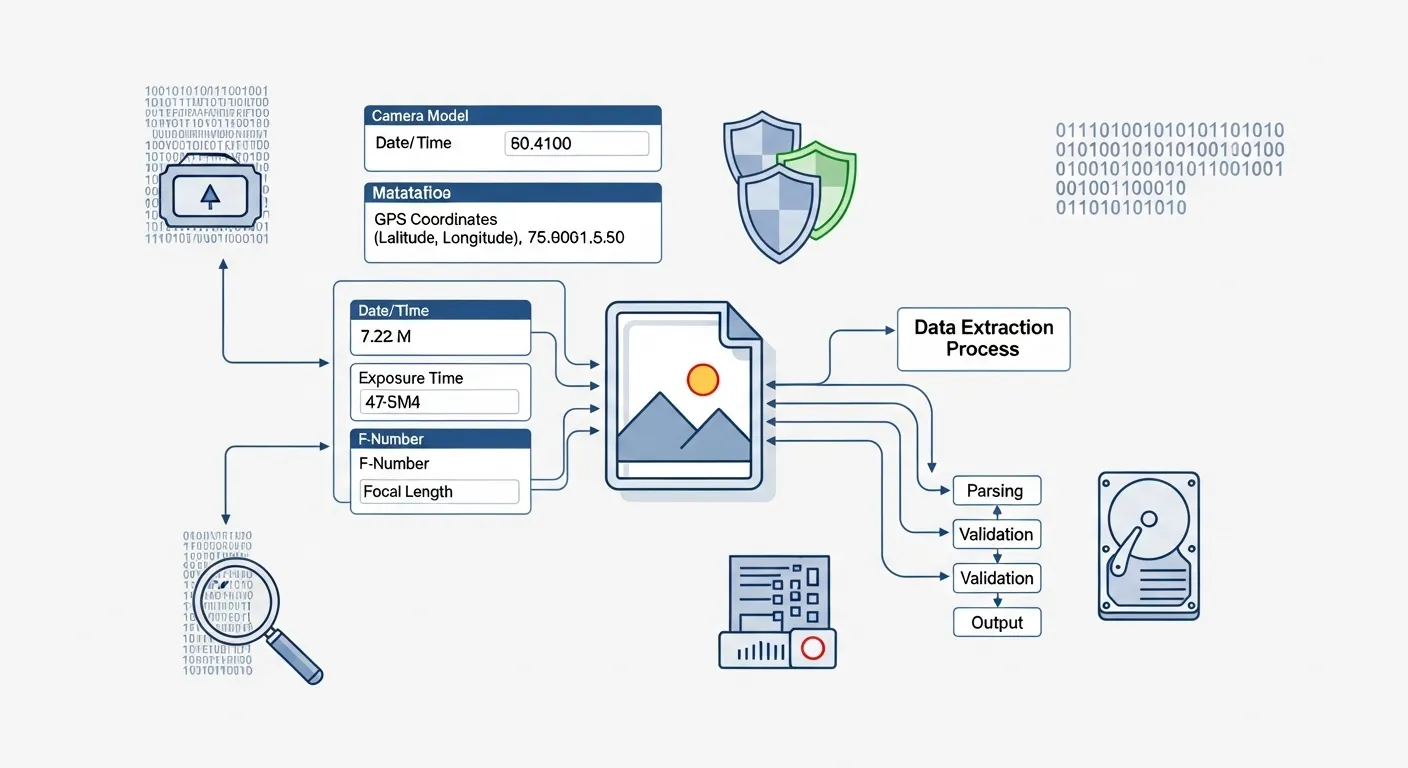
What Is Image Metadata?
Image metadata is additional information embedded within an image file that describes various aspects of the image, including camera settings, location data, timestamps, and technical details. This data is invisible when viewing the image but can be accessed by software and potentially by anyone who downloads the file. In 2026, with phones routinely capturing 48-megapixel HEIC files and posting them to a dozen services within seconds, metadata is more relevant than ever for both image optimization and personal privacy.
Hidden Information
Data stored within the image file
Camera Details
Settings and equipment information
Location Data
GPS coordinates and location info
For the broader picture of how metadata fits alongside compression and format choice, read the Image Optimization Guide pillar and the companion Image Formats Explained article. If your priority is stripping metadata for privacy, jump straight to Image Compressor or Image to JPG, both of which strip metadata during processing.
Types of Image Metadata
Image metadata comes in three primary standards — EXIF, IPTC, and XMP — plus a handful of format-specific blocks. Each serves a different purpose and is read or written by different software. Understanding which is which makes it much easier to decide what to keep and what to strip when publishing.
EXIF Data (Exchangeable Image File Format)
The most common type of metadata, automatically added by digital cameras and smartphones. EXIF is a Japanese industry standard first published in 1995 and is still the dominant format for technical capture data in 2026.
Camera Settings:
- Aperture (f-stop)
- Shutter speed
- ISO sensitivity
- Focal length
- Flash settings
- White balance
Device Information:
- Camera make and model
- Lens information
- Serial numbers
- Firmware version
- Software used
- Date and time
GPS / Location Data
Geographic information automatically added by smartphones and GPS-enabled cameras. This is the most privacy-sensitive metadata block and the one most users want to remove first.
Location Information:
- Latitude coordinates
- Longitude coordinates
- Altitude / elevation
- Direction facing
- Speed (if moving)
- Your home address
- Work location
- Travel patterns
- Personal habits
- Sensitive locations
IPTC & Color Profile Data
IPTC (International Press Telecommunications Council) metadata stores descriptive information such as caption, headline, keywords, byline, and copyright notice — typically added by newsrooms, stock agencies, and photo-management software. Color profiles and technical specifications live alongside it.
IPTC & Color Information:
- Color space (sRGB, Adobe RGB, Display P3)
- ICC color profile
- Gamma correction
- Rendering intent
- IPTC caption and byline
Technical Details:
- Image dimensions
- Resolution (DPI)
- Bit depth
- Compression settings
- Orientation flag
XMP & User-Added Metadata
XMP (Extensible Metadata Platform) is Adobe's XML-based metadata container introduced in 2001. It can hold both EXIF and IPTC data, plus custom fields such as editing history, AI labels, and rights information. Modern tools including Lightroom, Capture One, and Apple Photos all write XMP blocks.
Descriptive Data:
- Title and description
- Keywords / tags
- Author / photographer
- Copyright information
Software Data:
- Editing software used
- Processing history
- Thumbnail images
- Version information
If you are unsure what your file actually contains, run it through an Image Converter that reports metadata before conversion, or open it in Preview (macOS) or the file Properties panel (Windows) — both display EXIF, IPTC, and XMP side by side.
Privacy and Security Implications
Security Risks
Sharing images with metadata can expose sensitive information:
- Location tracking: GPS data reveals where photos were taken
- Personal patterns: Timestamps show your daily routines
- Equipment details: Expensive camera info may attract thieves
- Identity exposure: Camera serial numbers can be traced
- Professional secrets: Camera settings reveal techniques
Real-World Privacy Scenarios
High Risk Scenarios
- Photos of your home or workplace
- Images shared directly from camera roll to email
- Photos of children or family
- Travel photos from private locations
- Professional work samples with client names in IPTC
Lower Risk Scenarios
- Stock photography submissions
- Public event photos
- Landscape photography
- Product images with no human subjects
- Generic illustrations and screenshots
For most publishers the right workflow is to keep a master file with full metadata for archival, then strip metadata before deploying to the web. The Image Resizer Optimization Guide covers the resize-and-strip workflow, and the Image Compression Techniques for Web Performance article explains how metadata removal fits into a complete compression pipeline.
Web Performance Impact
File Size Impact
Metadata can significantly increase file sizes, especially for web-optimized images where the pixel payload is small. A 60 KB hero image can carry 20 KB of metadata — a 33% overhead with zero visual benefit once it lands on a web page.
| Metadata Type | Typical Size | Impact on Small Images | Performance Effect |
|---|---|---|---|
| Basic EXIF | 2-10 KB | 10-30% increase | Moderate |
| GPS Data | 1-3 KB | 5-15% increase | Low |
| ICC Color Profiles | 3-50 KB | 15-100% increase | High |
| Embedded Thumbnails | 5-20 KB | 20-50% increase | High |
| XMP Editing History | 1-5 KB | 5-20% increase | Low-Moderate |
Loading Speed Impact
- Slower page load times
- Increased bandwidth usage
- Poor mobile performance on metered plans
- Higher data costs for users
SEO Considerations
- Page speed affects rankings
- Core Web Vitals LCP impact
- Mobile-first indexing
- User experience signals
Combine metadata stripping with proper format conversion and resizing — read the Core Web Vitals Optimization Guide and Mobile-Friendly Speed Optimization to see how image payload fits into the broader performance budget.
When to Keep vs. Remove Metadata
Keep Metadata When:
- Archiving personal photos
- Professional photography portfolios
- Stock photography submissions
- Legal documentation needs
- Copyright protection
- Technical analysis required
- Educational purposes
Remove Metadata When:
- Publishing on websites
- Sharing on social media
- Sending via email
- Privacy is a concern
- Optimizing for web performance
- Reducing file sizes for CDNs
- Commercial use without attribution
How to View Image Metadata
Windows
- Right-click on image file
- Select "Properties"
- Click "Details" tab
- View EXIF information
macOS
- Open image in Preview
- Go to Tools menu
- Select "Show Inspector"
- Click the "Exif" or "IPTC" tab
Mobile Apps
- Photo Investigator (iOS)
- EXIF Viewer (Android)
- ViewExif (iOS / Android)
- Photo Metadata (Android)
Online Tools
- Jeffrey's Image Metadata Viewer
- Metapicz.com
- Exifdata.com
- NoCostTools Image Converter metadata report
How to Remove Image Metadata
Automatic Removal Tools
The fastest path is browser-based tools that strip metadata without uploading your file to a server. The Image Compressor has an explicit strip-metadata toggle, and the Image to JPG converter removes EXIF, IPTC, and XMP by default during conversion.
Manual Removal Methods
Desktop Software
- Adobe Photoshop: File > Export As (uncheck metadata)
- GIMP: File > Export As (advanced options)
- ExifTool: Command-line metadata editor —
exiftool -all= image.jpg - IrfanView: Image > Information > Remove
Mobile Methods
- iOS: Use Shortcuts app to strip EXIF, or convert via HEIC to JPG
- Android: Photo Metadata Remover app
- Screenshot method: Take a screenshot of the image
- Social media: Platforms strip most metadata on upload
For Apple users, our HEIC Format Guide explains how iOS stores metadata inside HEIC files and the HEIC JPG Converter Guide walks through converting iPhone photos while stripping metadata in a single step.
Best Practices for Metadata Management
Privacy-First Approach
Do:
- Review metadata before sharing
- Strip metadata for web use
- Disable GPS on camera/phone when needed
- Use tools that automatically remove metadata
- Keep original files with metadata separately
Don't:
- Share images with GPS data publicly
- Ignore metadata in sensitive photos
- Assume social media strips all metadata
- Share images with personal IPTC information
- Forget to check downloaded images
Web Optimization Workflow
- Assess the image purpose — Determine if metadata is needed
- Check current metadata — Use tools to view existing EXIF, IPTC, XMP
- Remove unnecessary data — Strip privacy-sensitive information with Image Compressor
- Optimize for web — Resize with Image Resizer and convert with Image Converter
- Verify removal — Double-check that metadata is gone
- Test performance — Measure file size improvements
Legal and Ethical Considerations
Important Legal Points
- Copyright information: Removing copyright metadata from someone else's photo may violate laws (DMCA §1202 in the US)
- Evidence preservation: Metadata may be crucial for legal cases and authentication
- Professional requirements: Some industries require metadata retention for chain-of-custody
- Attribution rights: Photographer credits in IPTC byline should be respected
- Privacy laws: GDPR and similar regulations may apply to metadata containing personal data
Conclusion & Metadata Management Checklist
Image metadata serves important purposes — copyright protection, technical cataloging, archival accuracy — but it can pose privacy risks and performance issues when sharing images online. Understanding what metadata contains and how to manage it appropriately is essential for both privacy protection and web optimization.
Metadata Management Checklist:
- Understand what metadata your images contain
- Remove sensitive data before sharing
- Use tools that automatically strip metadata
- Consider performance impact on websites
- Preserve metadata for archival purposes
- Respect copyright and attribution data
- Configure devices to limit metadata creation
- Regularly audit your metadata practices
For the complete optimization pipeline beyond metadata, pair this article with the Image Optimization Guide pillar, the Image Compression Techniques for Web Performance article, and the JPEG Quality Settings Explained reference.