How to Create Strong Passwords in 2025
Protect your digital life with secure passwords that hackers can't crack
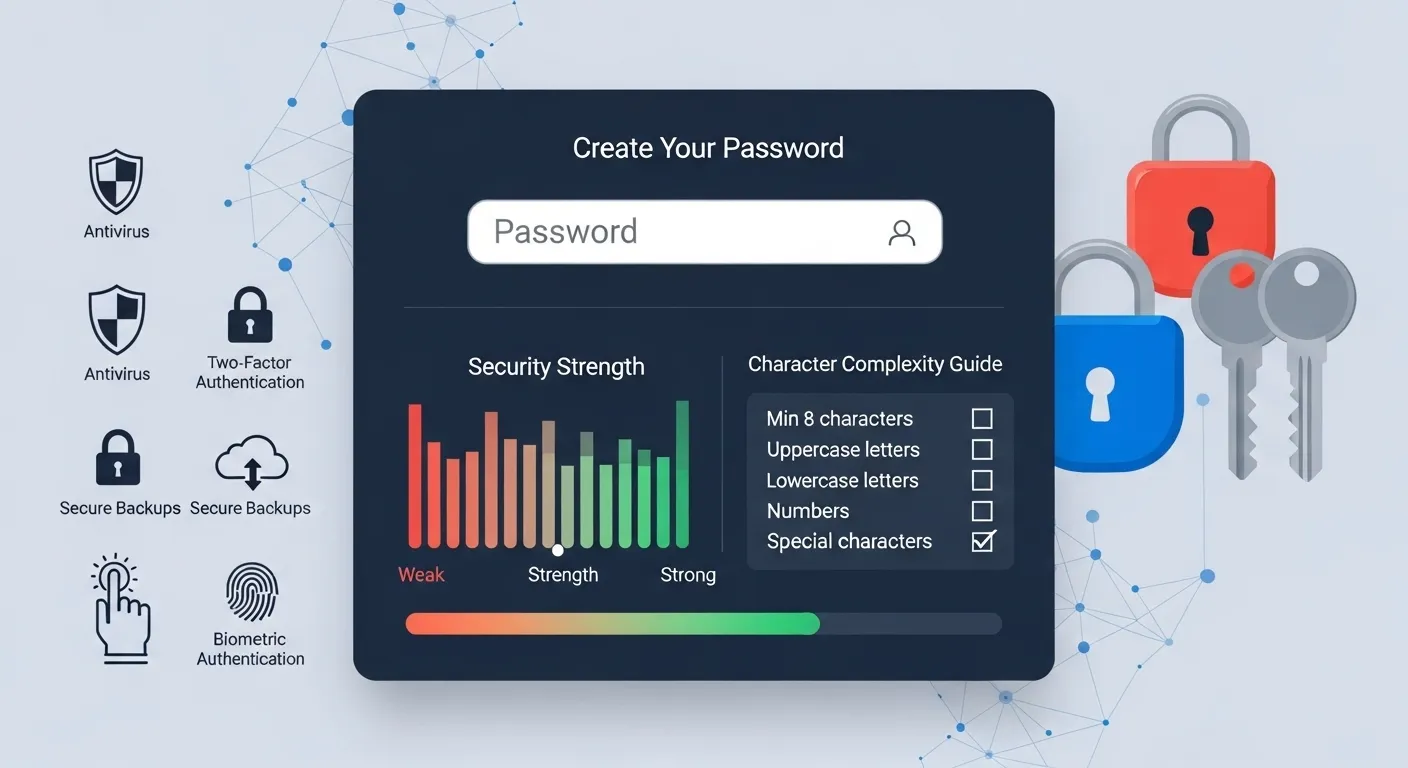
Why Strong Passwords Matter
In 2025, cybersecurity threats are more sophisticated than ever. A strong password is your first line of defense against hackers, identity theft, and unauthorized access to your personal accounts.
What Makes a Password Strong?
A strong password should have the following characteristics:
- At least 12 characters long
- Mix of uppercase and lowercase letters
- Numbers and special characters
- No personal information
- Unique for each account
Password Creation Methods
1. The Passphrase Method
Create a memorable sentence and modify it:
"I love pizza with 3 toppings!" → ILpW3t!
2. Use a Password Generator
The most secure method is using a reliable password generator. Our free tool creates cryptographically secure passwords.
Try Our Password Generator
Generate secure passwords instantly with customizable options
Generate PasswordCommon Password Mistakes to Avoid
Don't Use
- • Personal information
- • Dictionary words
- • Sequential numbers
- • Common patterns
Do Use
- • Random combinations
- • Password managers
- • Two-factor authentication
- • Regular updates
Latest Password Security Trends in 2025
The cybersecurity landscape continues to evolve rapidly. Here are the latest password security trends and technologies you should know about:
Passwordless Authentication
Many leading tech companies are now implementing passwordless login options using:
- Biometric verification - Fingerprint, facial recognition, and voice authentication have become standard on most devices
- Hardware security keys - Physical USB or NFC devices that provide stronger protection than passwords alone
- Magic links and one-time codes - Sent to your verified email or phone number for secure, temporary access
AI-Powered Password Protection
The latest password managers now use artificial intelligence to:
- Detect and alert you about compromised passwords
- Analyze password strength with advanced algorithms
- Predict potential security vulnerabilities
- Recommend personalized security improvements
Multi-Factor Authentication Evolution
MFA has evolved beyond simple text codes:
- Push notifications with biometric verification
- Location-based authentication factors
- Behavioral biometrics (typing patterns, usage habits)
- Contextual authentication based on device, time, and location
Password Security Statistics for 2025
| Statistic | Value | Impact |
|---|---|---|
| Average number of passwords per user | 100+ | Increased need for password managers |
| Percentage of accounts using MFA | 68% | Growing adoption but still room for improvement |
| Time to crack an 8-character password | Less than 1 hour | 12+ characters now recommended minimum |
| Accounts compromised by credential stuffing | Millions daily | Critical importance of unique passwords |
Frequently Asked Questions
How to Use How To Choose Strong Password
- Input Data: Enter or paste your data into the input field.
- Process: The tool will automatically process your input or click the action button.
- View Results: See the results instantly and copy them if needed.
Common Use Cases
Professional Use
Perfect for developers, designers, and digital marketers who need quick results.
Education
Great for students and teachers for learning and verification.
Personal Projects
Simplify your personal tasks with this easy-to-use tool.
Everyday Tasks
Save time on routine calculations and conversions.
Learn More About How To Choose Strong Password
A free online How To Choose Strong Password tool.
This tool is designed to be simple, fast, and effective. Whether you are a professional or just need a quick solution, How To Choose Strong Password is here to help. We continuously update our tools to ensure accuracy and better user experience.